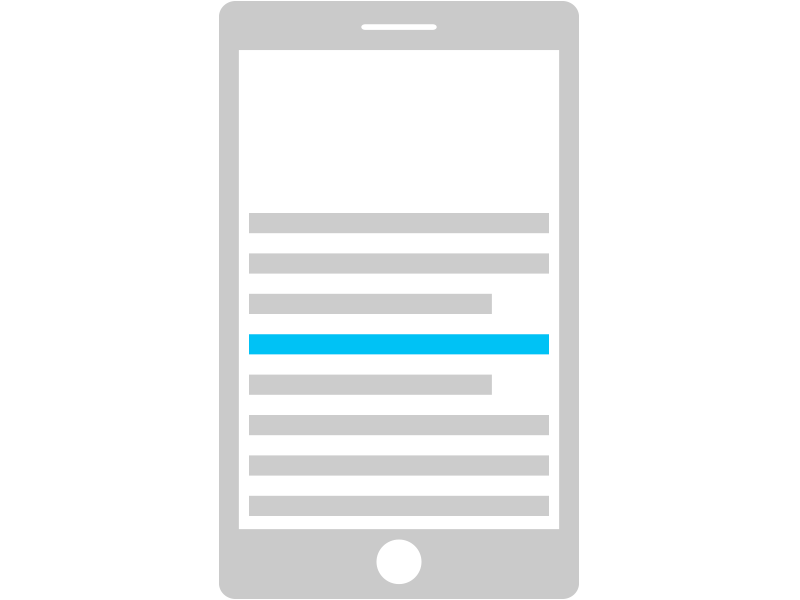
Native Mail Cross
The Native Mail Cross mobile format is a product made up of 2 formats: Slink and Native App provided by Italiaonline.
All urls, redirects and tracking must be provided in https. Any materials NOT https will be excluded from the delivery.
Send the creatives by email to advops@italiaonline.it with a copy of the Italiaonline Sales Account at least 3 working days before publication. In the subject of the emails, indicate the order ID and description (Ex: LB_012345 – Advertiser name Product name Month/Year); in the absence of the order ID, indicate the description (see details in the creativity policy).
Slink spcifications
| Image format |
PNG, GIF |
Image 1
(rectangular format) |
Minimum size 1200×627 |
Image 2
(square format) |
128×128 |
| Maximum image weight |
1) Desktop: 200 KB
2) Mobile: 12 KB 25 characters including spaces |
| Title |
30 characters including spaces |
| Text |
70 characters including spaces (the use of words in UPPERCASE is not permitted) |
Button
(only for desktop) |
View/Install/Download |
| Redirect |
No: the format is managed directly by Italiaonline |
| Advertiser |
Max 25 characters |
Native App Click to site spcifications
| Headline |
Refers to the product name (maximum 25 characters) |
| Body |
Refers to the text of the advertisement (maximum 50 characters) |
| Logo |
GIF, JPEG, PNG (the images must not have transparency but a flat colored background) |
| Logo size |
128×128 px |
| Maximum Weight Icon in the App |
25 KB |
| Call to Action |
See |
| Redirect |
No: the format is managed directly by Italiaonline. |
| Advertiser |
Max 25 characters |
Tracking
It is possible to manage the creatives with a single tracking or with two separate trackings: one for the Slink and one for the Native App Click to Site. In both cases, specify in the emails if there are one or two and which creativity you want to associate them with.